DuckLake
Deze inhoud is nog niet vertaald.
A DuckLake is a catalog database with Parquet files in storage. Depositori reads the catalog, read-only: tables, views and their SQL, columns and comments.
Before you start
Section titled “Before you start”- The Owner role in Depositori.
- From whoever runs the lake: the catalog (a
.ducklakefile, or a Postgres database aspostgres:dbname=… host=…), the data path (for exampleaz://container/folder) and, for data on Azure Storage, the storage account name. - A source account for the catalog: a stored database login, or on Azure a Microsoft account that is a user of the Postgres server.
- For data on Azure Storage: the role Storage Blob Data Reader on the container, for the Microsoft account that reads it.
Add the connection
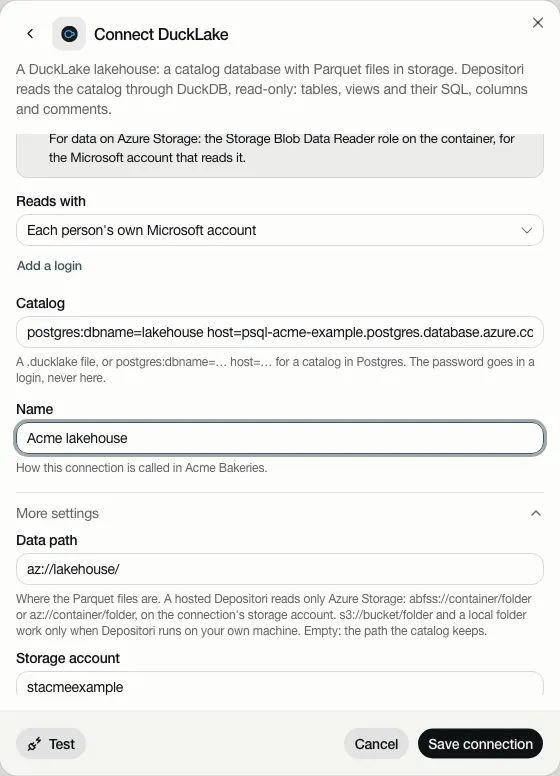
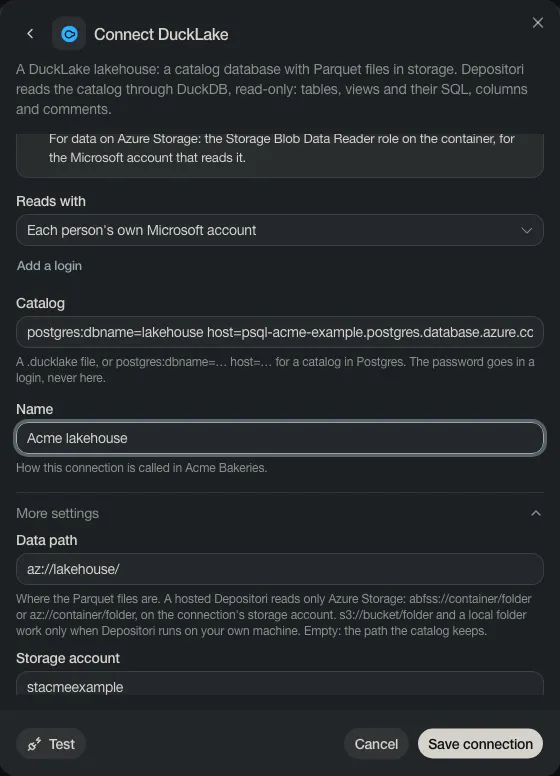
Section titled “Add the connection”- Open Connections, choose Add connection, then DuckLake.
- Under Reads with, keep your own Microsoft account, or choose Add a login for a database login.
- Fill in the Catalog and a Name.
- Under More settings, fill in the Data path and the Storage account. The other fields there are only needed when your lake differs from the default.
- Test, then Save connection.
Add its tables as a model
Section titled “Add its tables as a model”On the connection’s card, choose Add as a model. Pick the schemas you want and choose Import. The tables become a model.
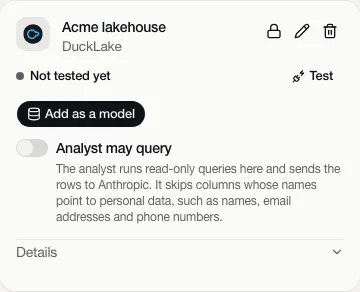
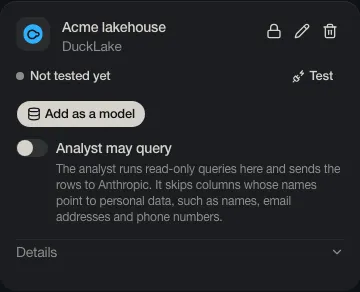
Taki may query is off. Read Taki, the AI analyst before you turn it on.
Where a lake may be
Section titled “Where a lake may be”- A catalog is never a web address. It is a
.ducklakefile, or a database:postgres:…,mysql:…orsqlite:…. - Taki queries the lake’s tables only, never files or web addresses.
Depositori in the cloud is stricter:
- The catalog is in PostgreSQL (or a
.ducklakefile). A MySQL catalog is refused. - The data is on Azure Storage, in the storage account you name on the connection:
az://…orabfss://…. Data behind a web address (http://orhttps://) is refused. Your Microsoft account’s access goes only to that storage account, never to another host.