Power BI
Deze inhoud is nog niet vertaald.
The quickest way to one model is the guided start: Add your first model, where you pick a report. This page is for a whole workspace, and for more models afterwards.
Before you start
Section titled “Before you start”- The Owner role in Depositori.
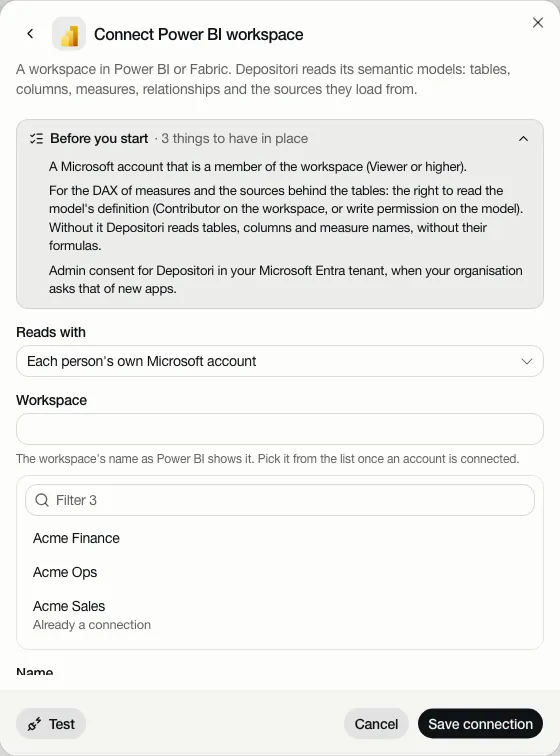
- A Microsoft account that is a member of the workspace (Viewer or higher). Depositori sees what that account sees, no more.
- To read the formulas of measures and the sources behind the tables, the account needs the right to read the model’s definition: Contributor on the workspace, or write permission on the model. Without it Depositori reads tables, columns and measure names, without their formulas, and says so on the model.
- If your organisation asks admin consent for new apps in Microsoft Entra, an Entra admin consents to Depositori once.
Add a workspace
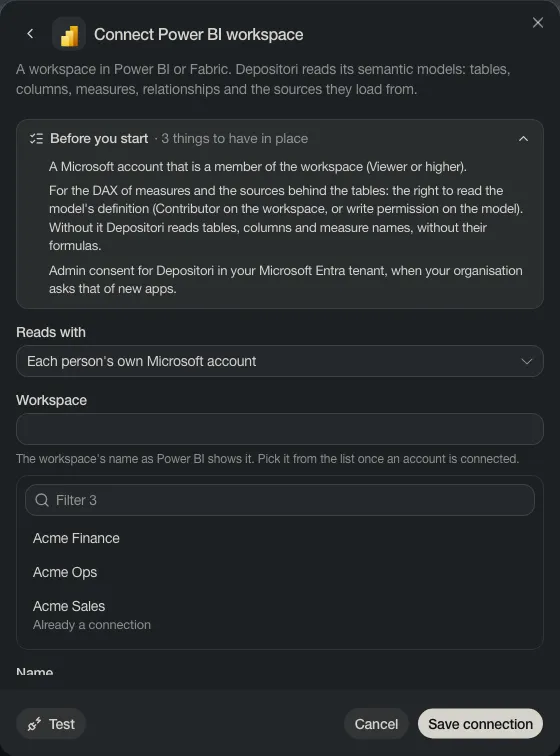
Section titled “Add a workspace”- Open Connections and choose Add connection, then Power BI workspace.
- Leave Reads with on Each person’s own Microsoft account, unless a workspace admin gave the organisation an app account to read with.
- Pick the workspace from the list. The list comes from your connected Microsoft account; one that is already a connection says so.
- Test, then Save connection.
- Right after saving, Pick its models opens the models of this workspace to read.
Read its models
Section titled “Read its models”The connection’s card lists the semantic models in the workspace. Choose Import next to one, or Import all. A model that was read already says so. Import all reads every model the source account can open, in every workspace; once the imports are done it says so, and the new models are under Models in the sidebar.
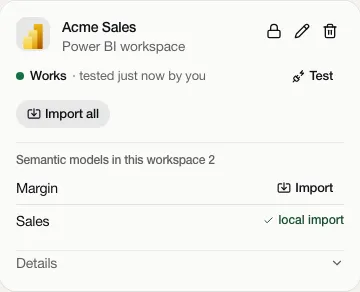
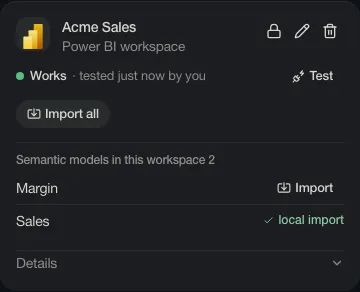
Test checks that the workspace can be reached with the connection’s source account.
Live numbers
Section titled “Live numbers”A Power BI model is live: Taki asks Power BI for its numbers, as the person asking. Someone with their own connected Microsoft account gets what that account may see. Someone without one reads with the organisation’s app account, which a workspace admin puts in use. Until then Taki answers about the definitions only. See Taki, the AI analyst.