Describe tables and columns
A model often says little about its own tables and columns. What they hold is known by the people who work with them. Write it down in Depositori, on the table’s page: everyone in the organisation reads it there, and Taki uses it to answer.
Who may write one
Section titled “Who may write one”The Contributor, Owner and Admin roles. A Reader sees the descriptions, not the buttons to change them. See Roles.
Write one
Section titled “Write one”- Open the model’s Catalog and choose a table.
- Next to the table’s description, or under Description next to a column, choose Write one (or Edit when there is a description already).
- Write what it holds, in a sentence or two, and choose Save.
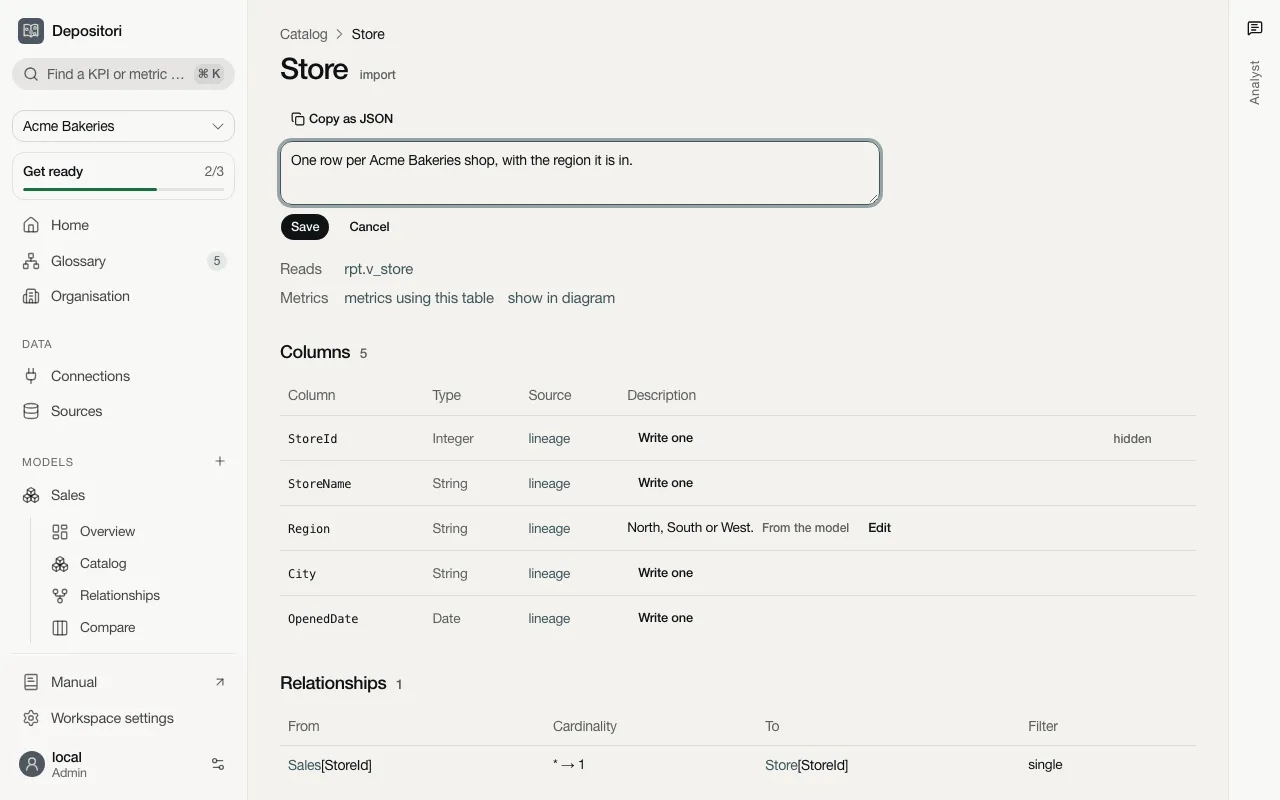
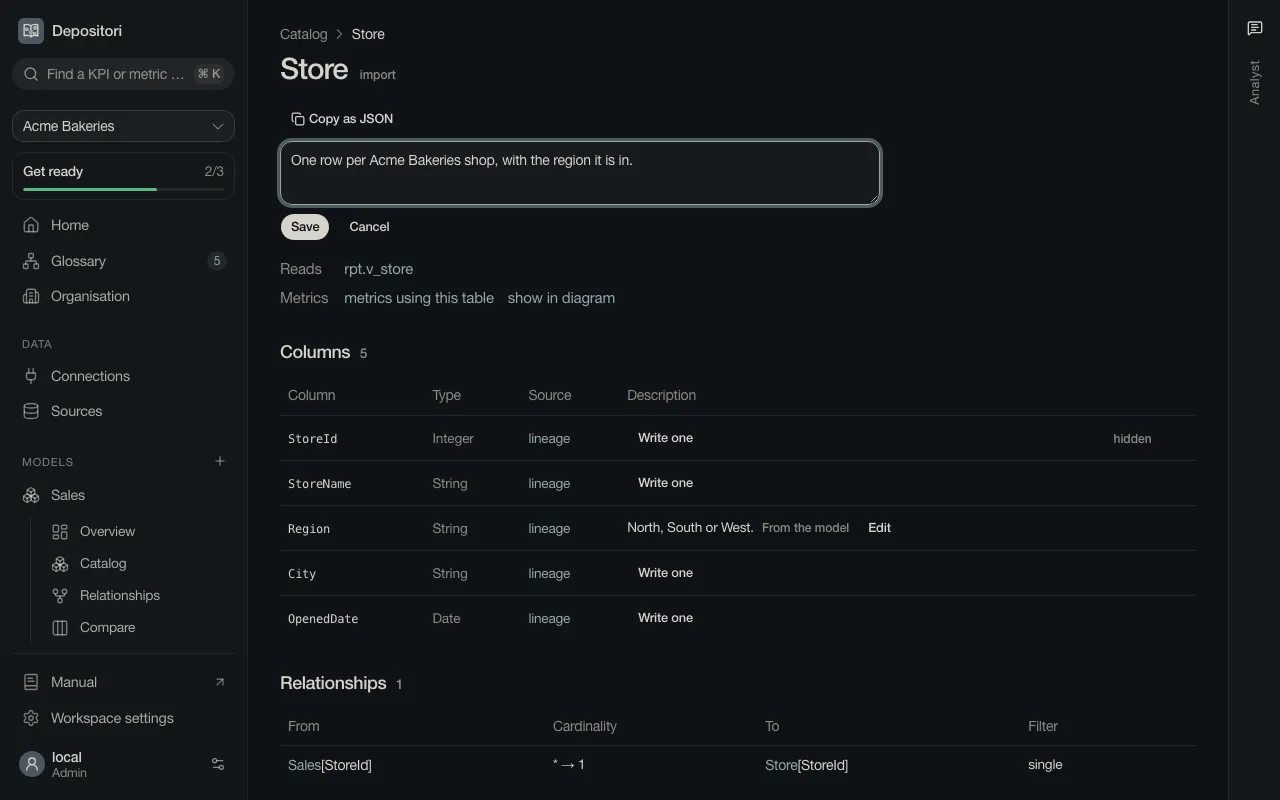
The description shows straight away, with Written by hand next to it.
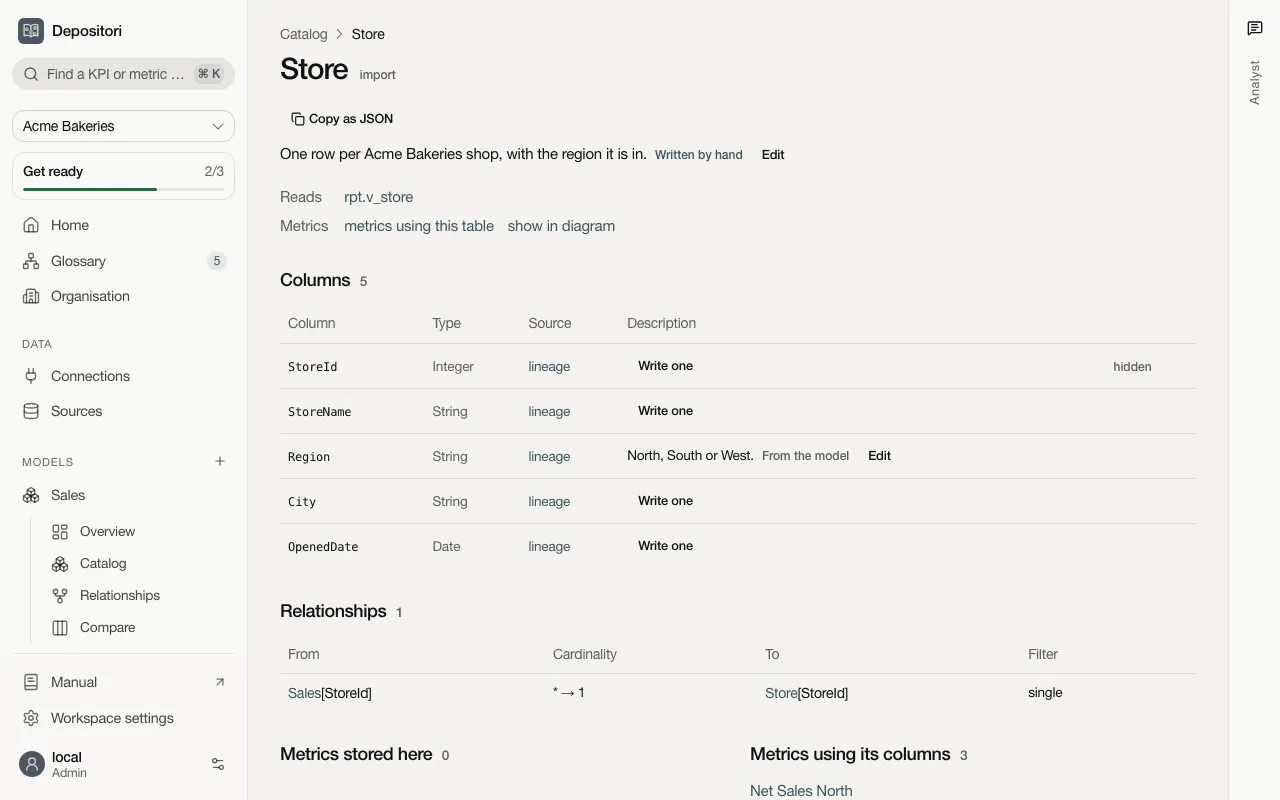
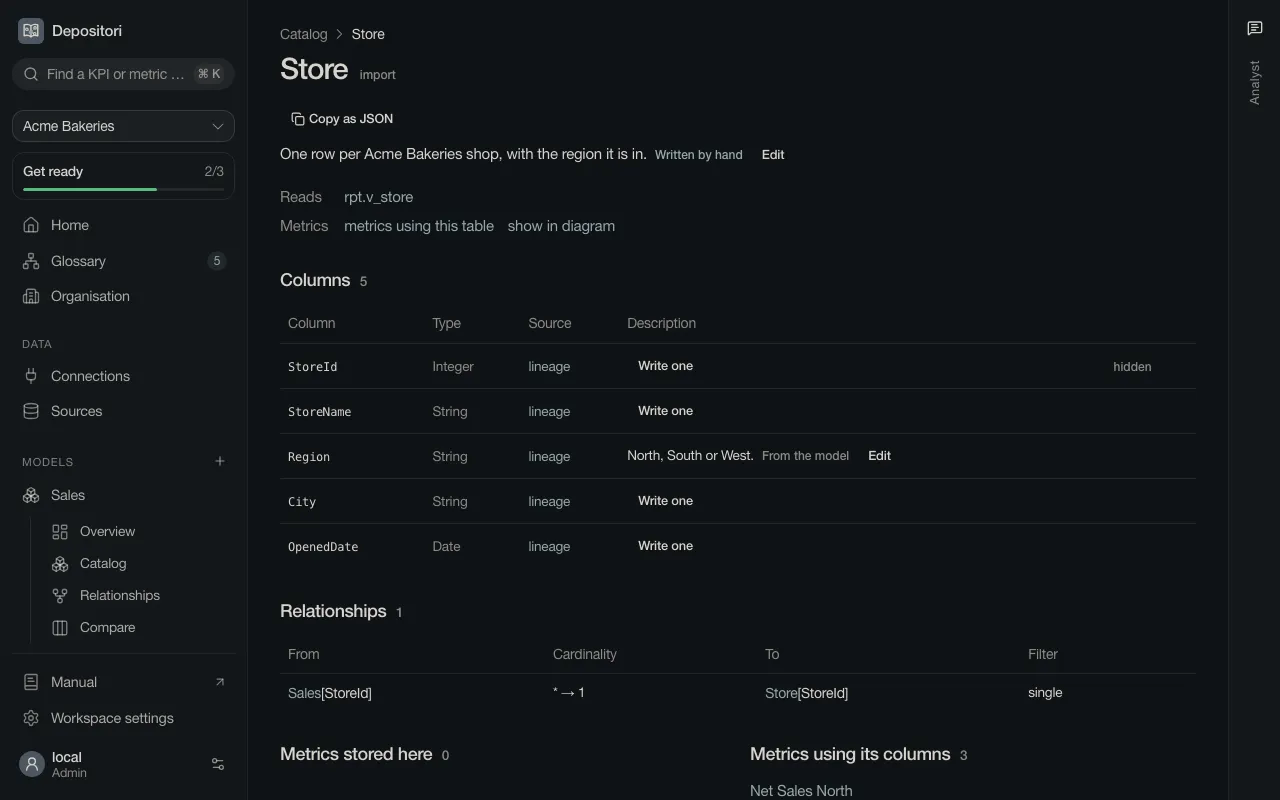
To undo it, choose Edit and then Remove the hand-written text. The description from the model, or the AI draft, shows again.
Where a description comes from
Section titled “Where a description comes from”Every description has a tag that says where it comes from. Point at it for more: who wrote it and when, for one written by hand.
| Tag | Where it comes from |
|---|---|
| From the model | The model’s own definition, as the source has it |
| AI draft | Drafted by AI from the names and expressions. Nobody reviewed it yet |
| Written by hand | Written in Depositori by someone in your organisation |
When a table or column has more than one, the hand-written text shows, before the model’s own description and the AI draft.
A re-import keeps it
Section titled “A re-import keeps it”Depositori keeps what you write apart from the model’s definition. When the model is read again, the hand-written descriptions stay, even if the source changed its own. Only removing the model removes them too.
Not every table can be described: a calculated table that the model keeps outside its definition shows no Write one.