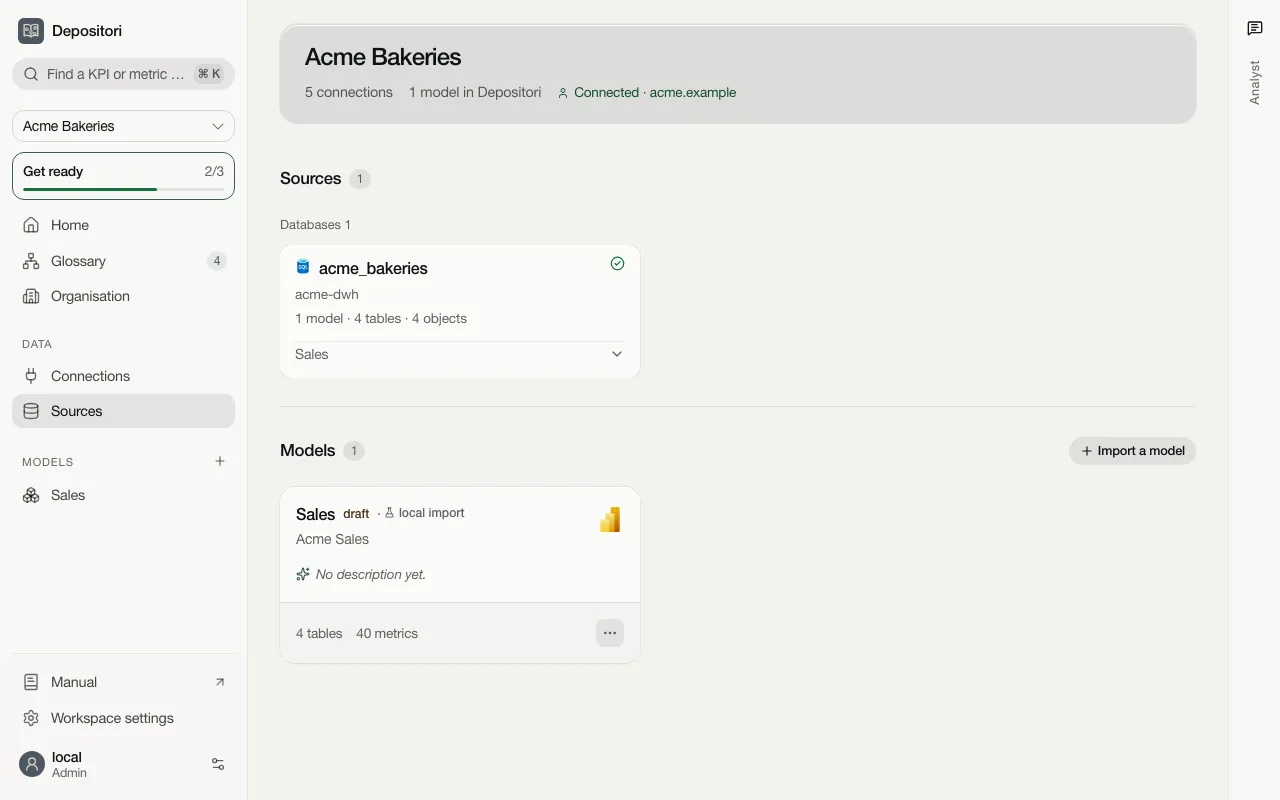
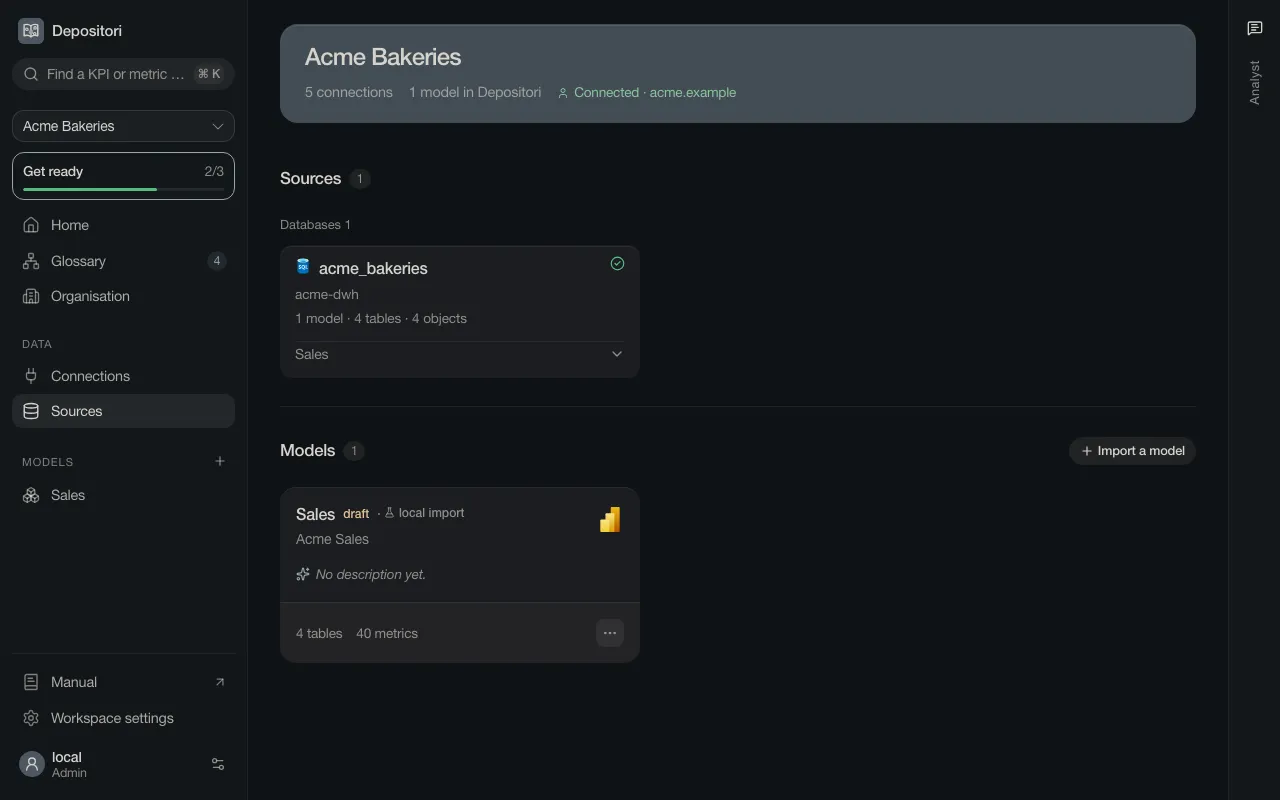
Sources and how they link up
A number in a report has usually travelled a long way: built in dbt, stored in a DuckLake or an Azure SQL database, modelled in Power BI, shown in a Superset or QuickSight dashboard. Read each of them, and Depositori shows the whole way in the lineage.
| Source | What Depositori reads | Page |
|---|---|---|
| Power BI | The model behind a report: tables, relationships, metrics | Power BI |
Power BI template (.pbit) |
The same, from a template file, with no account | Power BI template |
| DuckLake | Tables and views of the lake | DuckLake |
| Azure SQL, PostgreSQL, Snowflake | Tables, views and what the views read | Azure SQL |
| dbt | Models, columns, descriptions, tests and lineage | dbt |
| Apache Superset | Datasets with their columns and metrics | Superset |
| Amazon QuickSight | Datasets: tables, joins, columns and calculated fields | Amazon QuickSight |
Two ways in
Section titled “Two ways in”Add a model is the one door to a model. Open it with the + beside Models in the sidebar (owners only). It lists every source, grouped as BI tools, semantic layers and data platforms.
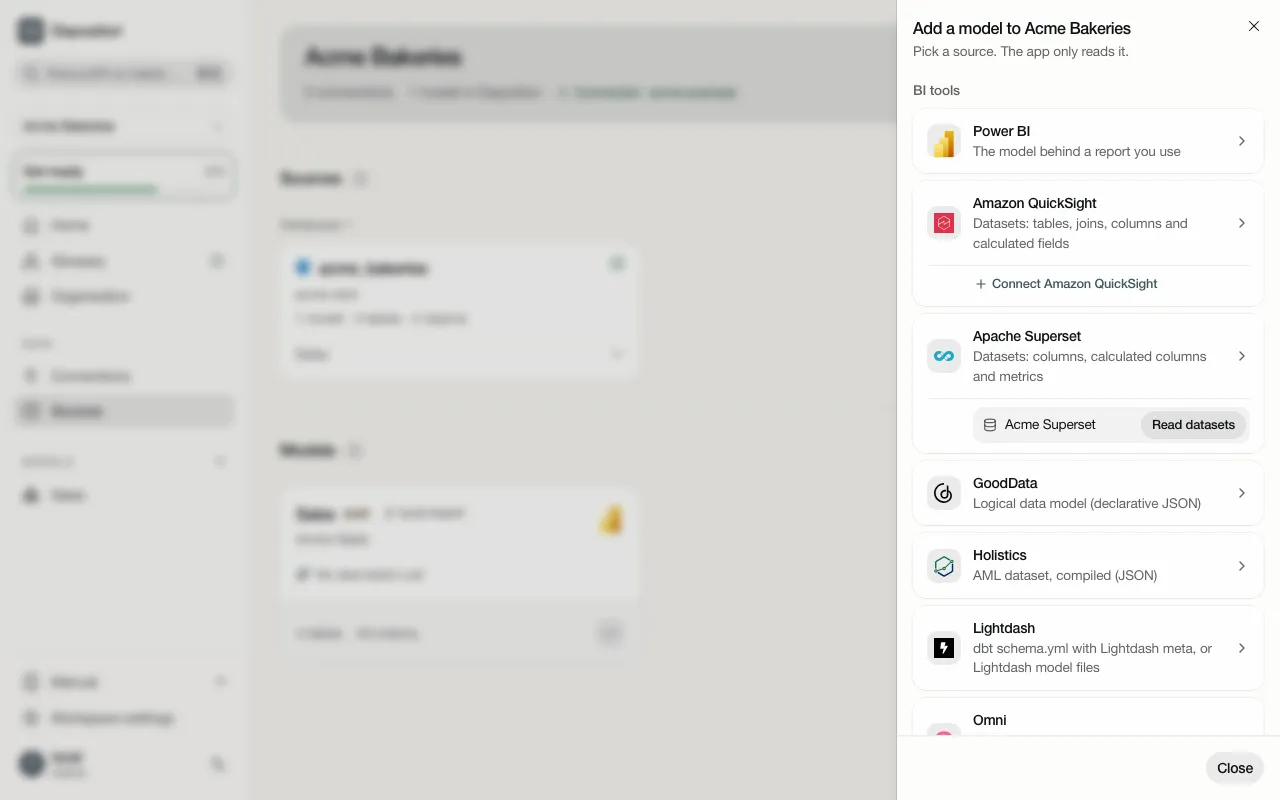
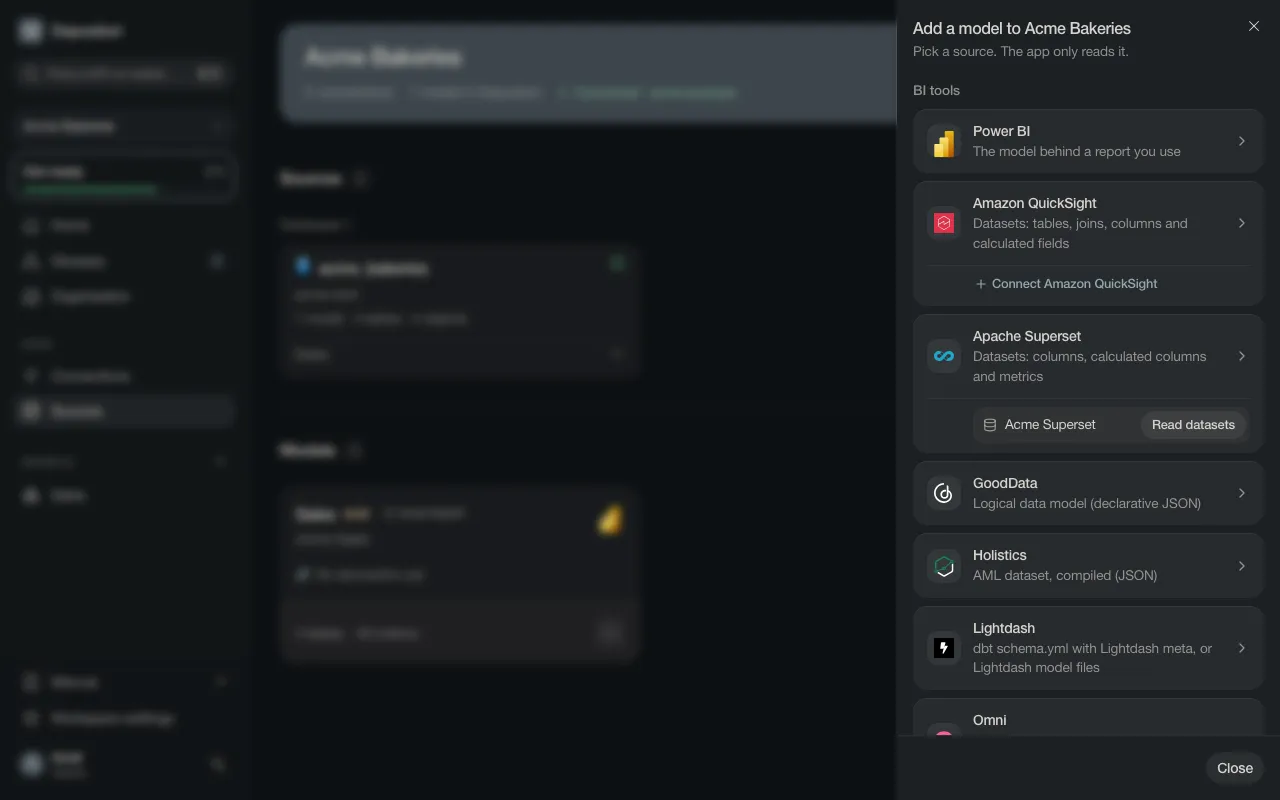
- From files. Many tools can export their definitions as files. Upload them and Depositori reads them; it needs no account at the source. Upload files on the guided start shows only these.
- Through a connection. Under each type are the organisation’s connections of that type, each with its read (Read tables, Read datasets, Read dbt models). A type with no connection yet says Connect type, which opens the add-connection dialog on that type. See Add a connection.
These are the sources of the lineage chain above. Depositori reads many more tools from their files, such as Cube, Sigma, Omni, ThoughtSpot, Databricks and Palantir Foundry: the full list is on What Depositori reads.
A source marked Not available here can’t be read on this Depositori.
Depositori finds the next source for you
Section titled “Depositori finds the next source for you”When a model is read, Depositori sees which databases it reads from. They are listed on the Sources page, under Data. A database without a connection is offered on Connections as a suggestion, already filled in.