Create an organisation
An organisation holds everything that belongs together: its connections, models, people and glossary. Most people join an organisation that exists already. Then skip this page.
Only a workspace admin can add an organisation. Anyone else sees the option greyed out, with “Only a workspace admin can add an organisation.” Ask your admin to add it and to make you its owner.
- Click the organisation at the top left and choose Add organisation. With no organisation yet, choose the + beside Organisations in the sidebar.
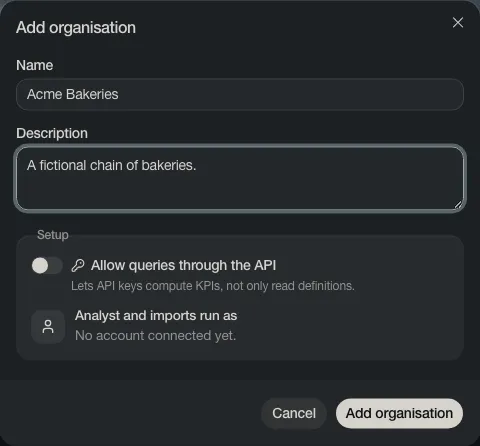
- Type a Name and, if you like, a Description.
- Choose Add organisation.
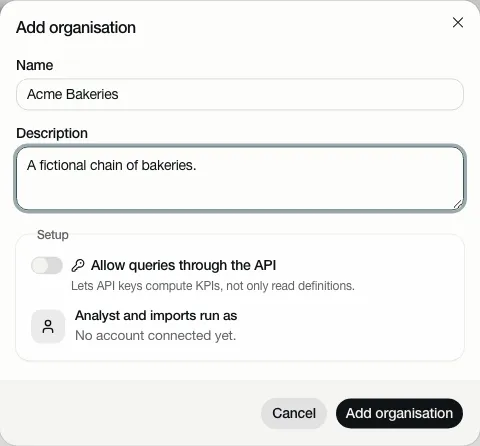
The new organisation opens on its guided start: Get your organisation ready.