Ask a question
Turn on Taki
Section titled “Turn on Taki”Taki is an AI assistant (Claude, by Anthropic). It is off until an Owner turns AI on, on the guided start’s step Turn on Taki or in the organisation’s AI settings. The dialog says in one sentence what goes to Anthropic:
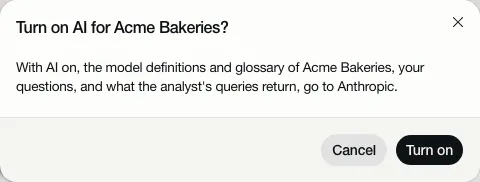
AI needs your own Anthropic key: the organisation’s, or the workspace’s that an admin sets. When there is none yet, the owner gets Add key and turn on; anyone below owner is told to ask an owner for the organisation’s key or their admin for a workspace key. With your own key, your own agreement with Anthropic applies. More in Taki, the AI analyst.
Open Taki with its button at the right. Choose one of the questions it offers, or type your own and press Enter.
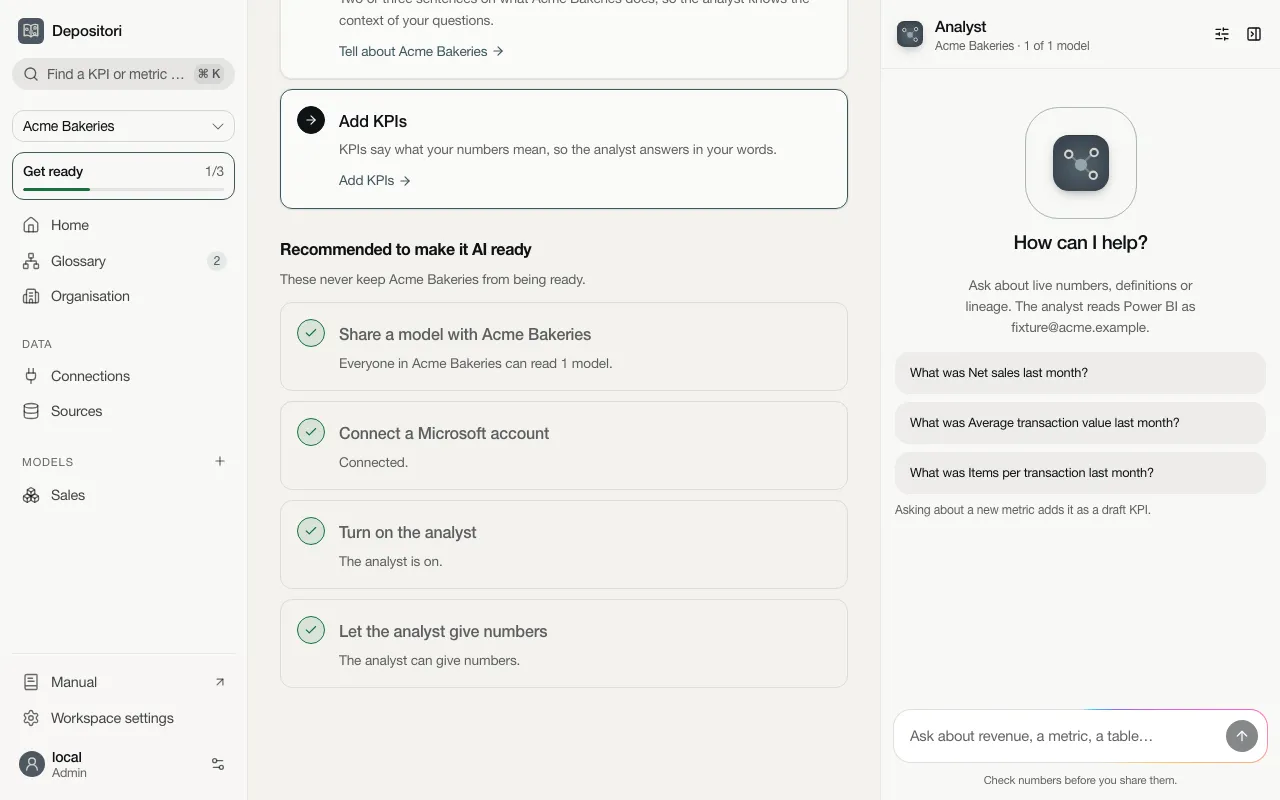
The answer shows the steps Taki took: which metric it looked for, and what it asked the source. Click a step to see the details.
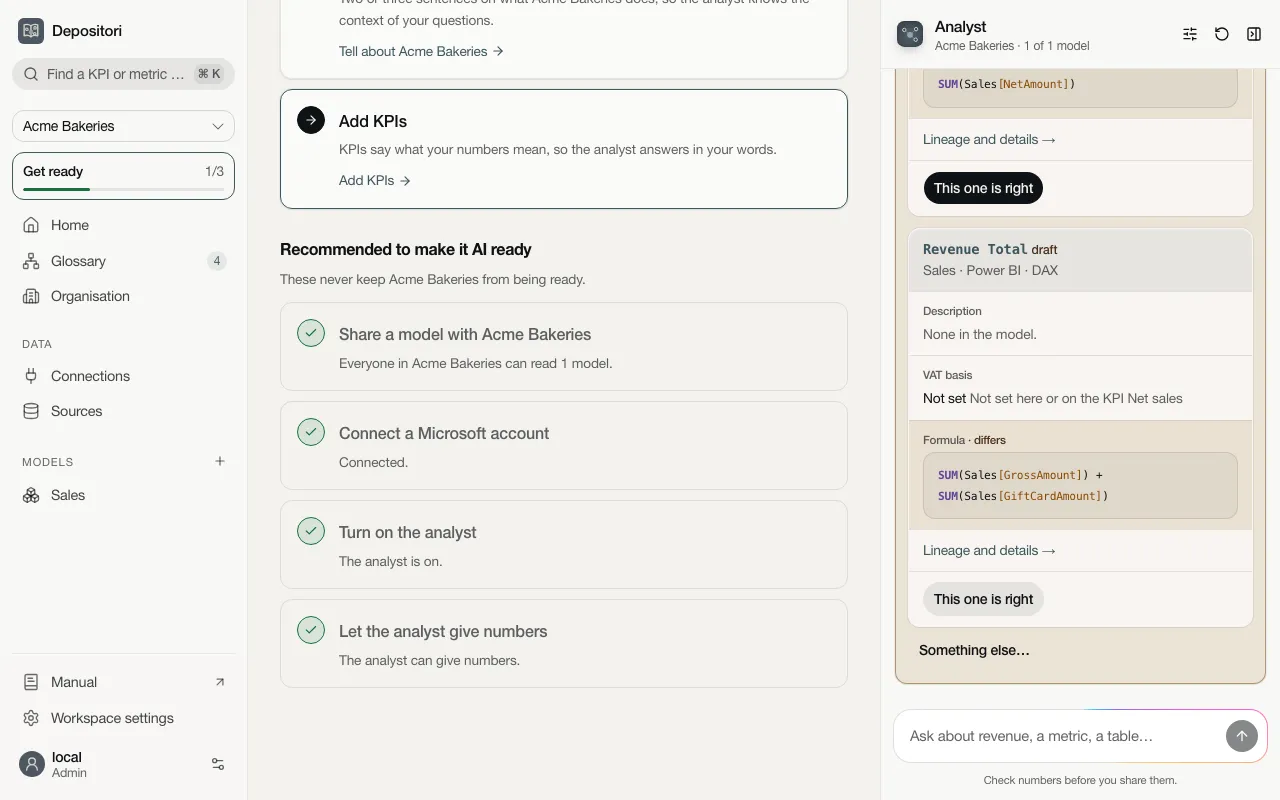
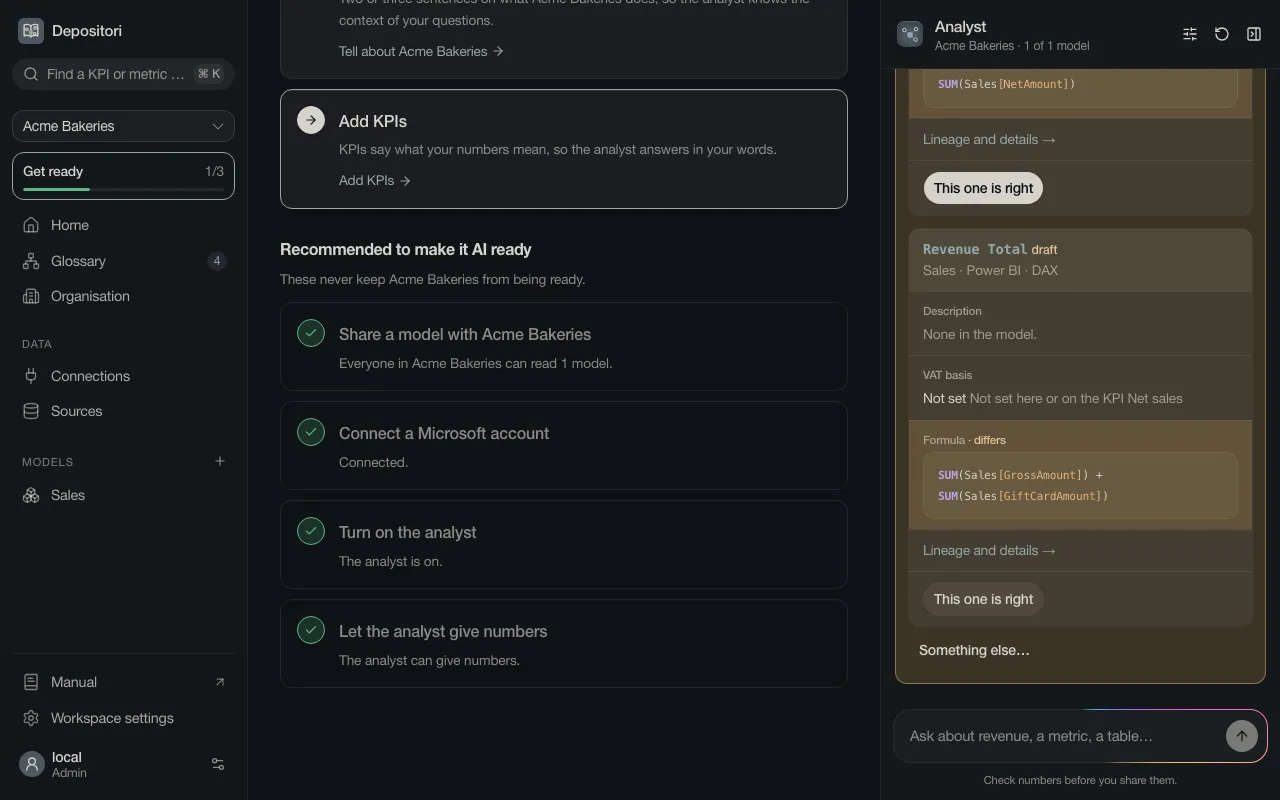
When Taki had to assume something, it says so under the answer. Confirm it, or pick what is right. Depositori remembers your answer for next time.
Check numbers before you share them.
If the AI provider is slow, Taki stops after a minute without an answer and says “The AI provider didn’t answer; try again.” Ask again; nothing was lost.
When Taki isn’t ready
Section titled “When Taki isn’t ready”Taki never just fails. When something is missing it says what, and offers the action if you may do it: Turn on AI, Add key, Add a model, Connect Microsoft account, or the Taki may query switch of your database. If someone else has to do it, it says who.
Without an account for a live model, Taki still answers about its definitions, and says that live numbers need an account. See Live numbers.
On a phone
Section titled “On a phone”On a phone Taki is a full screen of its own. Open it with the Taki button at the bottom right, or by asking in the question box on Home. The back arrow at the top left closes it.
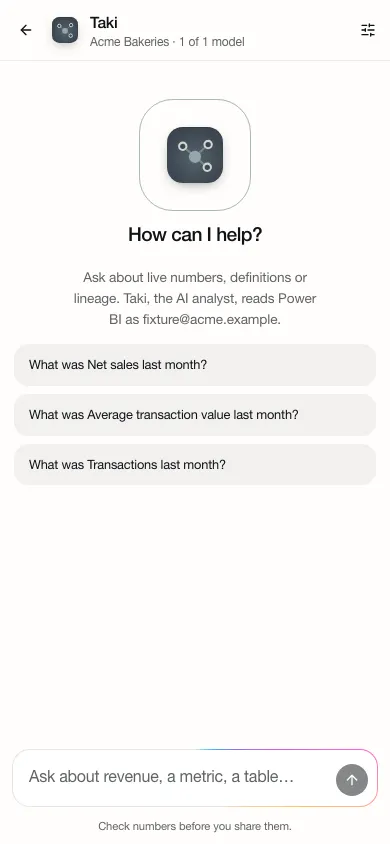
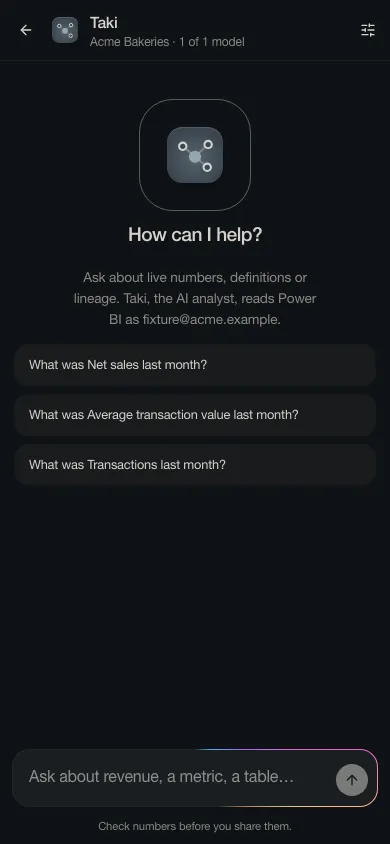
Home is one question box. Type a word from your business, such as “net sales”, to find the KPI or metric, or choose AI to ask Taki.
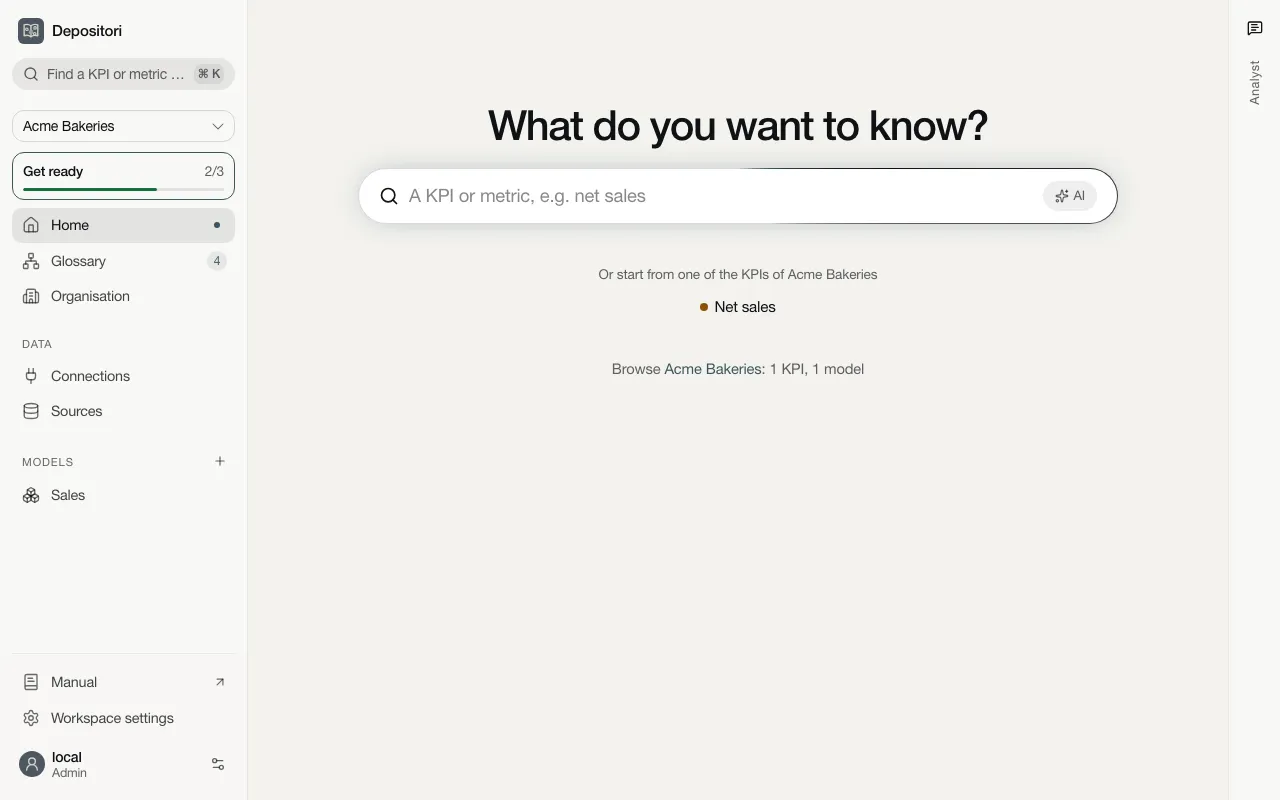
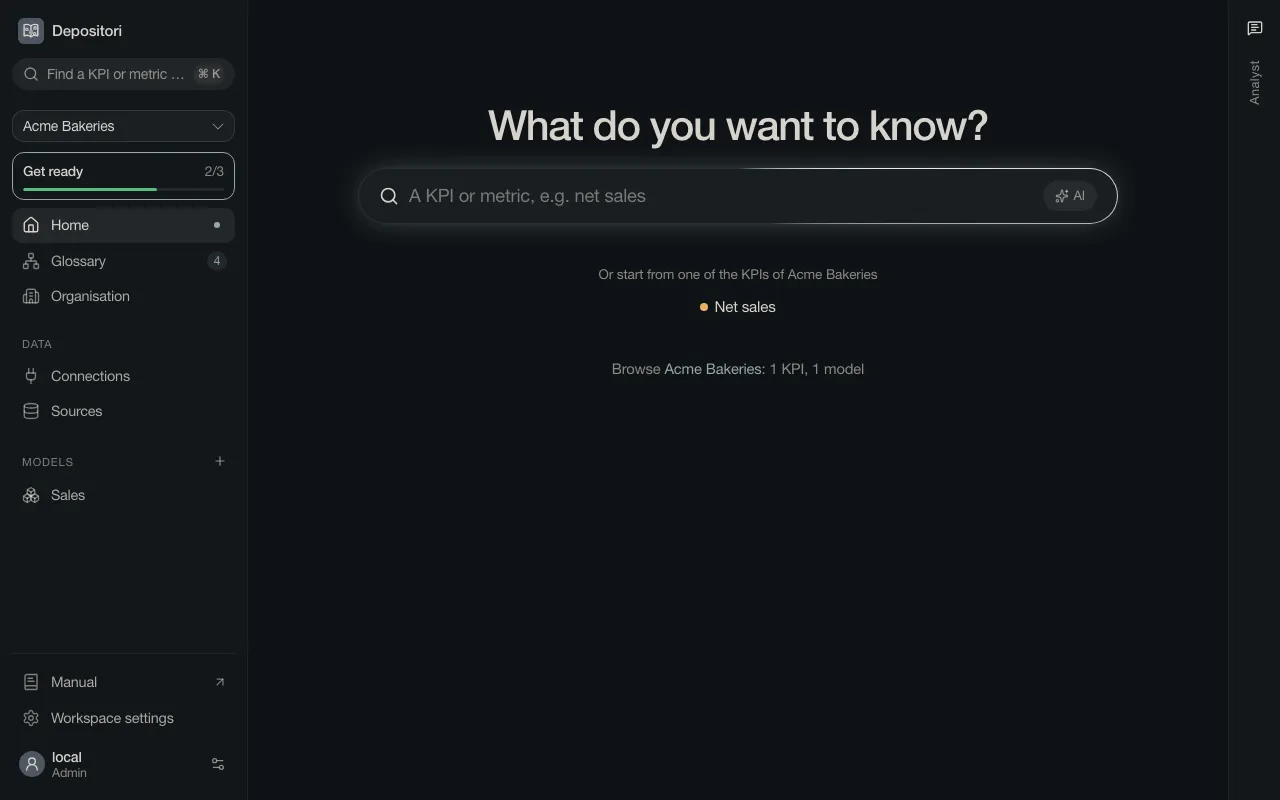
Below the question box, Home offers a few of your organisation’s KPIs to start from: up to eight, the most relevant first. Those are the KPIs your organisation steers on, then reviewed KPIs, then drafts. With more than ten KPIs, See all N KPIs below them opens the full list on Glossary, where you can filter and search.

