dbt
Depositori reads a dbt project from two files dbt writes on every run: manifest.json and catalog.json. It reads
the models, columns, descriptions, tests and lineage.
Before you start
Section titled “Before you start”- The Owner role in Depositori.
- The project’s pipeline publishes
manifest.json(andcatalog.json, for column types) to a folder in Azure Storage. Ask whoever runs the pipeline for the folder’s address. It looks likehttps://<account>.blob.core.windows.net/<container>/<folder>. - A Microsoft account with the role Storage Blob Data Reader on that container.
Add the connection
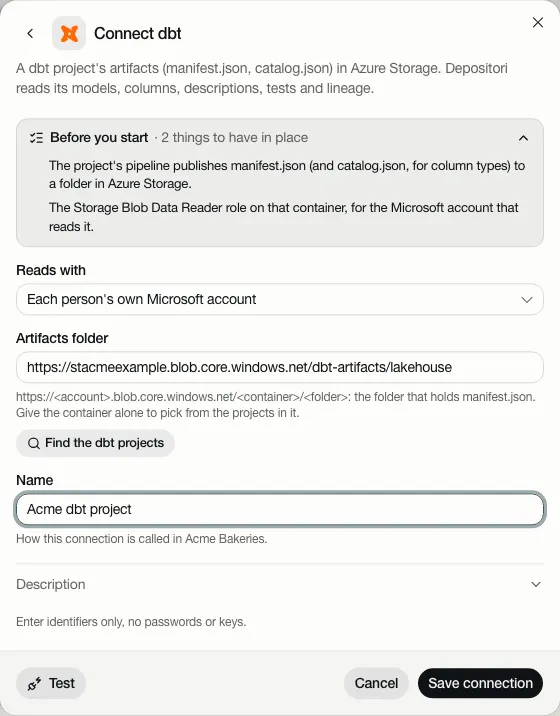
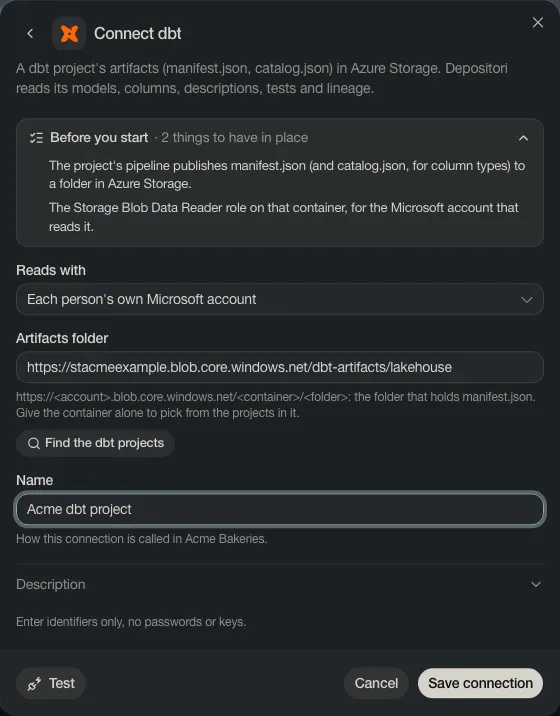
Section titled “Add the connection”- Open Connections, choose Add connection, then dbt.
- Paste the Artifacts folder, give it a Name. With only the container, you can pick from the projects in it.
- Test, then Save connection.
Read the project
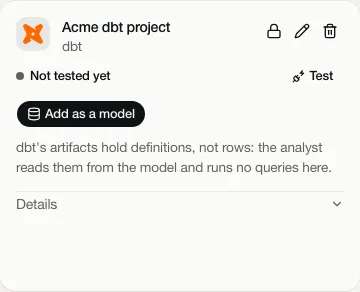
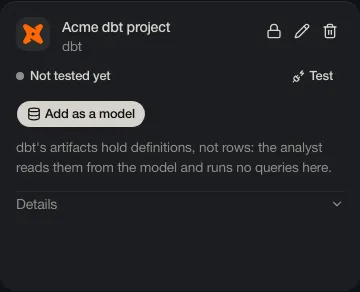
Section titled “Read the project”Right after saving, choose Add as a model under Read it now. Later, use Add as a model on the connection’s card, or Read dbt models in Add a model. Give the model a name and choose Import.
When nothing changed since the last read, Depositori says “Nothing new since the last read.” and opens the model it has.
The card has no Taki may query: dbt’s artifacts hold definitions, not rows. Taki reads the project from the model and runs no queries on it.
Sources outside dbt
Section titled “Sources outside dbt”A dbt source is loaded into the warehouse by something outside dbt (dlt, Fivetran, …), so its lineage stops there. The Catalog and the lineage show it as loaded from outside, naming the loader when dbt knows it.
When the warehouse is read for lineage and a dbt source isn’t in it, the model notes “dbt source not found in this warehouse; if it should be here, check the read account’s rights”. That is a note, not a problem: the rest of the read is complete.
Without Azure Storage
Section titled “Without Azure Storage”Choose Upload files on the guided start, or the + beside Models, then dbt, and upload the files from your computer. No account is needed. To update the model later, upload them again.