Open points for the engineer
An approved change to a KPI can mean that a metric must change in its source too: a Power BI measure, a dbt model’s SQL, a view in the database. Depositori never changes a source. Instead, it gives the engineer of each model an open point: what was agreed, how the metric is calculated now, and a proposed query. The engineer makes the change in the source.
When a point is raised
Section titled “When a point is raised”- After an approved change. When the last owner approves a suggestion that changes a KPI’s calculation note (KPI owners and changes), Depositori raises one point for each model with a metric that calculates the KPI. A change to the definition’s wording alone raises no point.
- By hand. A contributor or above can raise a point with Raise an open point for the engineer. On a KPI’s tab Owners and changes, this raises one point for each model that calculates the KPI. On a metric’s page, it raises a point for that metric only. Write what should change in the source and why, then choose Raise it.
The engineer of a point is the person who owns the model’s import. An owner of the organisation can give the point to someone else with Engineer.
Find your points
Section titled “Find your points”Your points are on Glossary, Open questions, under My open points. A KPI’s tab Owners and changes and a metric’s page list their points too.
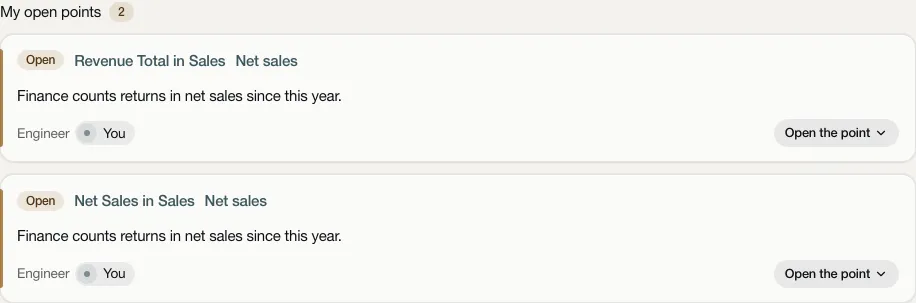
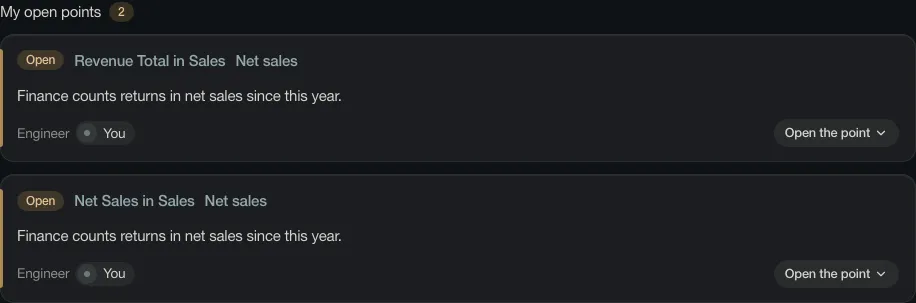
Each point shows its state, the KPI, the metric and model, who it is for, and its note. Choose Open the point to see all of it.
What a point shows
Section titled “What a point shows”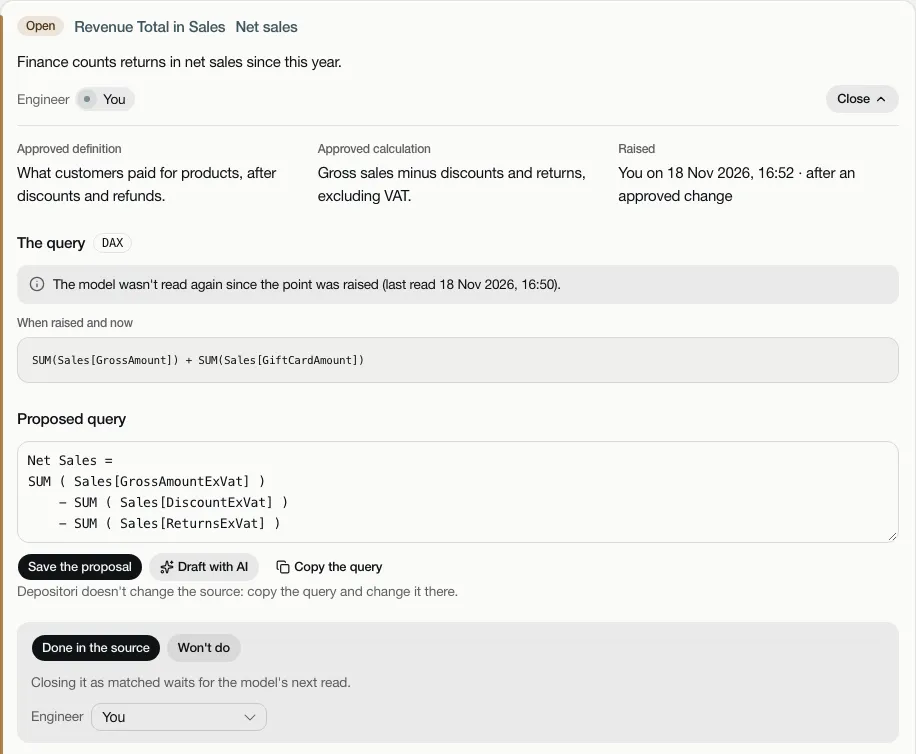
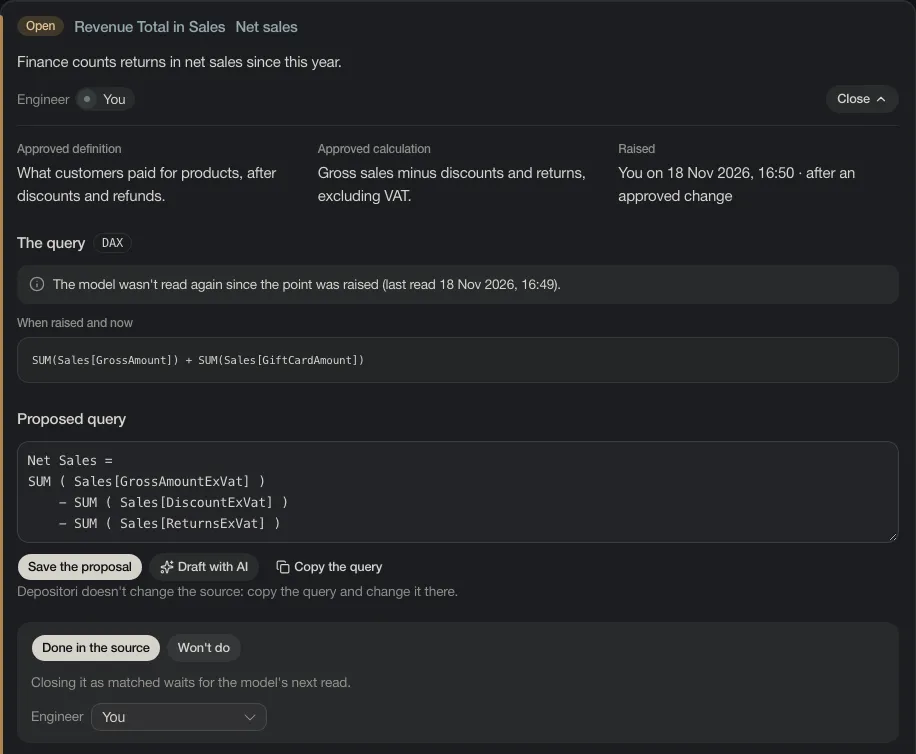
- Approved definition and Approved calculation: the KPI’s definition as it is agreed now.
- Raised: by whom and when, and whether it came from an approved change or was raised by hand.
- The query: the metric’s query as Depositori read it when the point was raised and as it was last read, in its own language: DAX, SQL or an expression. While the two are the same, it shows once, under When raised and now; once they differ, they show side by side.
- Proposed query: the query the source should have. See below.
- Used by and History: what uses the KPI, as on the KPI’s tab, and every step on the point.
Only people who can see the model can see its points.
The proposed query, and the AI draft
Section titled “The proposed query, and the AI draft”When the organisation’s AI is on and has a key, the AI writes a draft of the proposed query in the background once the point is raised. After an approved change it drafts at most 5 points; the others get no draft until a person chooses Draft with AI. Only definitions go to the AI (the definition, the calculation note and the metric’s query), never data.
An AI draft is marked AI draft: A draft by the AI: check it before you change the source with it. It is a suggestion, not a tested query. Read it carefully before you use it.
- Edit the query in the field and choose Save the proposal. Once you edit it, it is your proposal, no longer the AI’s.
- Draft with AI (or Draft again with AI) asks the AI for a new draft. It replaces the proposal there.
- Copy the query copies it, for you to paste into the source.
With AI off, there is no draft. The field is empty, and you write the query yourself.
Depositori never changes the source. The point only holds the query. You make the change in Power BI, dbt or the database yourself.
How a point closes
Section titled “How a point closes”- Change the metric in the source and choose Done in the source. The point then waits for the model’s next read.
- Read the model again (see Read a model). The point then shows the query when raised and now, side by side if it changed, and says whether it changed. Depositori never decides whether the new query matches the definition. You compare them yourself.
- Choose It matches now: close it. You can’t close a point this way before the model has been read again.
Or close it with Won’t do and the reason. A point also closes by itself if its model is deleted. When a metric is gone from the model, the point says so.
Who may do what
Section titled “Who may do what”| Can | |
|---|---|
| Anyone who can see the model | Read its points (an API key too) |
| A contributor or above | Also raise a point by hand |
| The point’s engineer, an owner of the KPI, an owner of the organisation | Also write the proposed query, draft it with AI, mark it done, close it as matching, or close it as won’t do |
| An owner of the organisation | Also give the point to another engineer |
These are always a person’s actions. Through an AI agent you connect, you have the same rights. An API key can only read points (see For applications).