Get your organisation ready
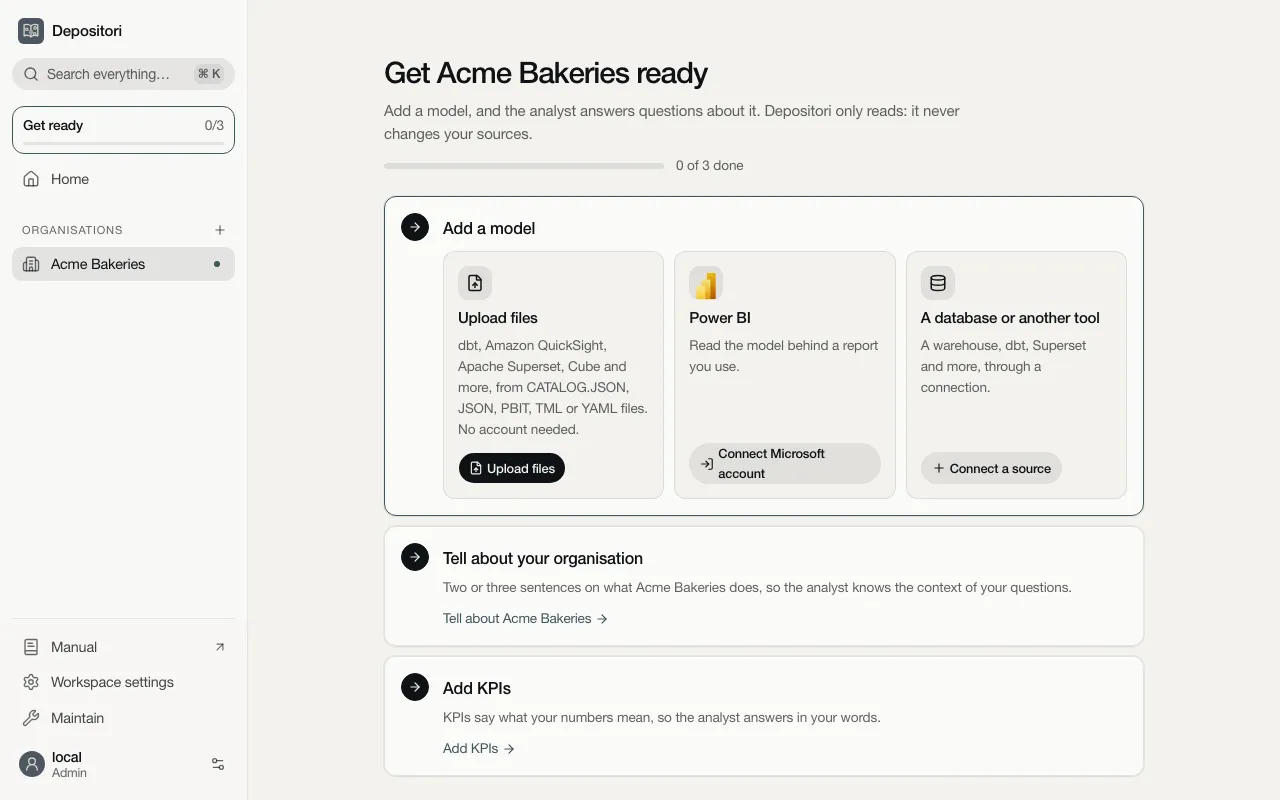
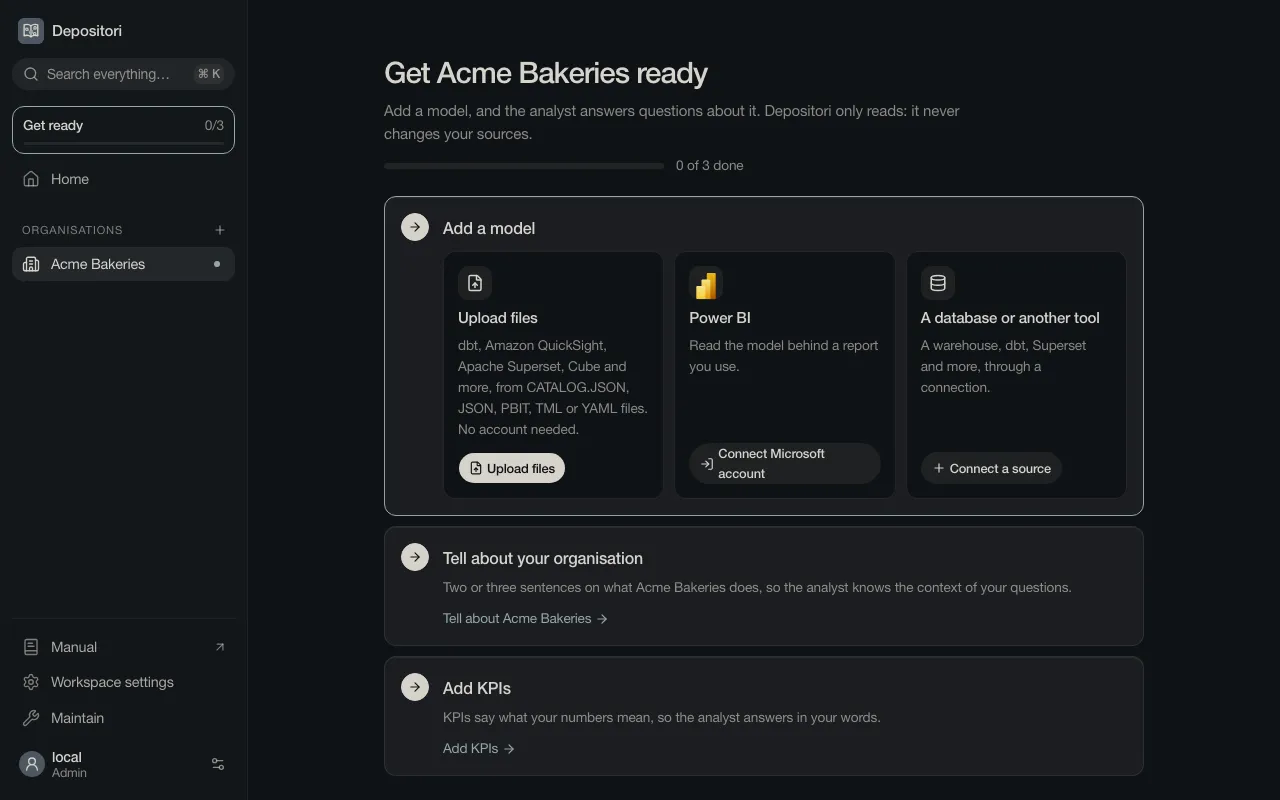
An organisation without a model opens on Get your organisation ready (in the pictures: Get Acme Bakeries ready). It lists what is left to do, and each step has its button right there. You don’t have to follow an order, and nothing sends you elsewhere first.
The steps
Section titled “The steps”The bar at the top counts the three steps that make the organisation ready:
| Step | What it does | Who |
|---|---|---|
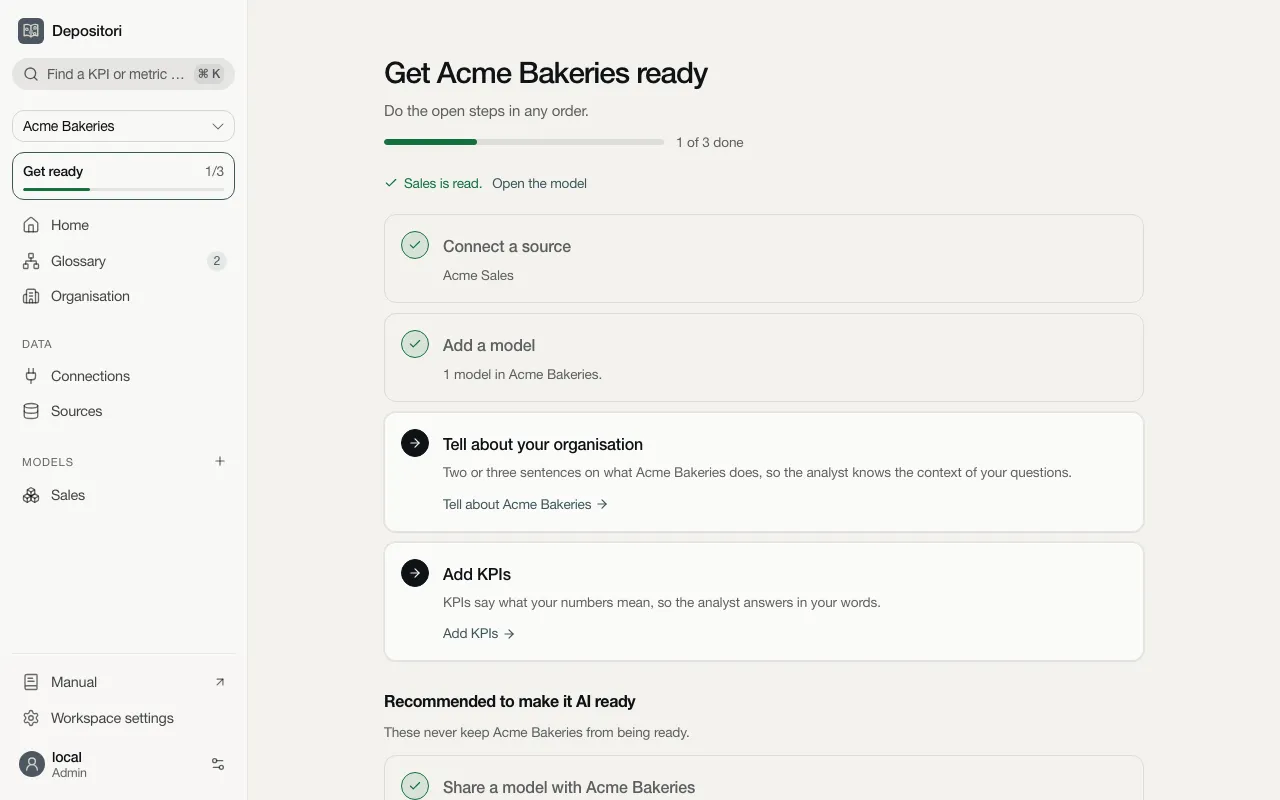
| Add a model | Read your first model. Three ways in: see Add your first model. Once it is read, the step names the connection it came in through. | Owner |
| Tell about your organisation | Two or three sentences on what the organisation does, so Taki knows the context of your questions. | Owner |
| Add KPIs | Names the numbers your organisation steers on, so Taki answers in your words. See Glossary and KPIs. | Contributor |
Under Recommended to make it AI ready come the steps that never keep the organisation from being ready:
| Step | What it does | Who |
|---|---|---|
| Share a model with your organisation | A new model is shared with the organisation, so this step is done once you add one. It stays open when you chose Only you for every model: Share makes one readable for everyone in the organisation. | The person who added it |
| Connect a Microsoft account | Shown once there is a model: the account Power BI and other Microsoft sources are read with. | Whoever reads a live Power BI model |
| Turn on Taki | Turns on AI, so Taki can answer. See Taki, the AI analyst. | Owner, who adds the organisation’s key when there is none |
| Let Taki give numbers | Lets Taki query one of your databases, so it answers with numbers, not only definitions. Marked Optional when there is nothing it could query. | The connection’s owner |
Once the three steps are done, Ask your first question appears at the top. With Taki on, Open Taki opens it beside the page. With Taki still off, the card turns it on first, or says whom to ask.
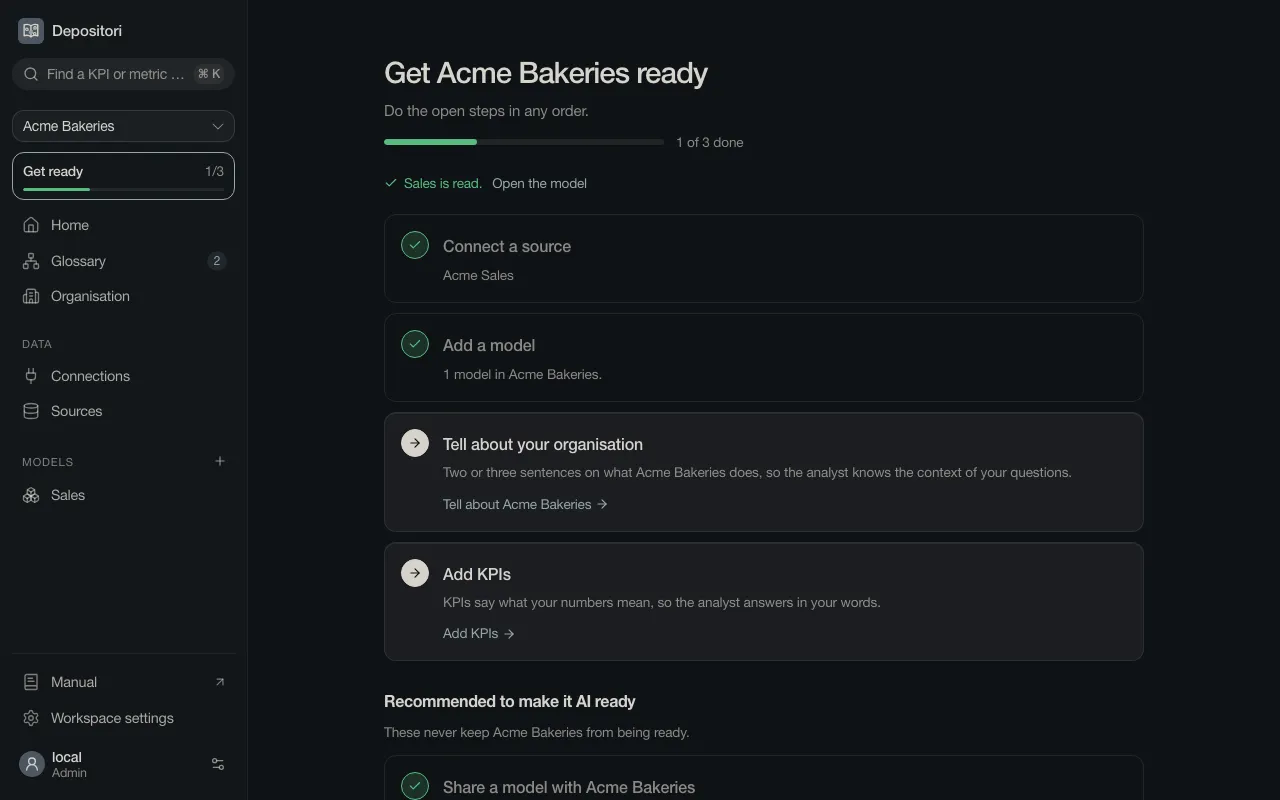
After a model is read, the page says so (Sales is read., with Open the model) and moves on to the steps that are left:
A step you can’t do yourself
Section titled “A step you can’t do yourself”Every step you may do has its button. A step you may not do says whom to ask instead:
- an owner or contributor of the organisation, for most steps;
- an owner for the organisation’s AI key, or a workspace admin for a workspace key; a workspace admin when no one owns the organisation;
- a workspace admin too, when you read a live Power BI model and have no account for it: they put the organisation’s app account in use;
- the connection’s owner, when only they can let Taki query their database.
Coming back
Section titled “Coming back”Get Acme Bakeries ready · 2 of 5 done shows on Home and at the top of the organisation’s pages while a step is open. Click it to come back here.